
Introduction
Smartphones have become essential tools for communication, navigation, and safety. As families grow more connected digitally, the need for reliable location‑tracking apps has increased dramatically. Whether you’re a parent wanting to ensure your child’s safety, someone trying to locate a lost device, or a family member coordinating travel, tracking apps can provide peace of mind.
But with hundreds of apps available on both iPhone and Android, choosing the right one can be overwhelming.
This guide breaks down the 5 best tracking apps for iPhone and Android in 2026, based on:
- Real‑time location accuracy
- Geofencing capabilities
- Safety alerts
- Privacy and security
- Pricing
- Ease of use
- Cross‑platform compatibility
We also include PhoneParental, a trusted parental‑control and family‑locator tool designed for safe, transparent digital supervision.
Before using any tracking app, always ensure:
- You have consent from the person you’re tracking
- You comply with local laws and regulations
- You prioritize privacy and transparency
Let’s explore the top apps.
1. PhoneParental Family Locator
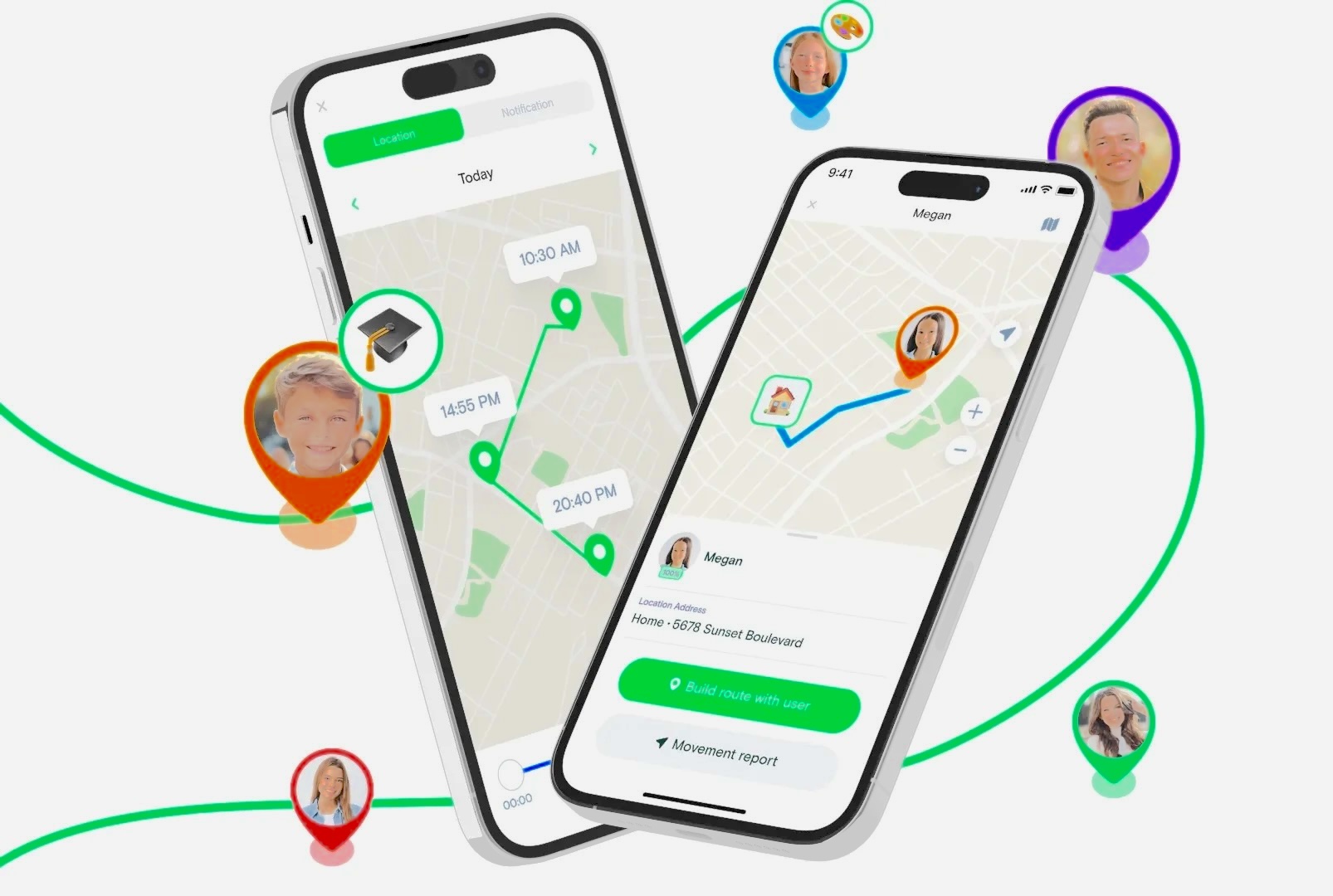
PhoneParental Family Locator is designed for parents who want a secure, intuitive, and reliable way to keep track of their children’s whereabouts. It focuses on family safety, offering real‑time tracking, geofencing, and detailed route history.
With a 4.5‑star rating on Google Play, PhoneParental is one of the most trusted family‑locator apps available today.
Key Features
- Real‑time location tracking
- 30‑day movement and route history
- Customizable geofences with instant alerts
- Remote surroundings monitoring (Android only)
- Cross‑platform support (iPhone & Android)
- Notification syncing for apps like WhatsApp
- Screen‑time and app‑usage monitoring
- Keyword alerts for harmful content
Pricing
- Monthly: $9.99
- Quarterly: $6.66/month
- Annually: $4.99/month
- Free trial available
Privacy & Security
PhoneParental uses end‑to‑end encryption to protect location data and ensures no unauthorized access or data sharing.
Pros
- Accurate real‑time tracking
- Strong geofencing tools
- Ideal for parents and families
- Remote monitoring for emergencies
Cons
- No driving‑safety features
- Surroundings monitoring limited to Android
External Link:
Website: https://phoneparental.com
2. Life360
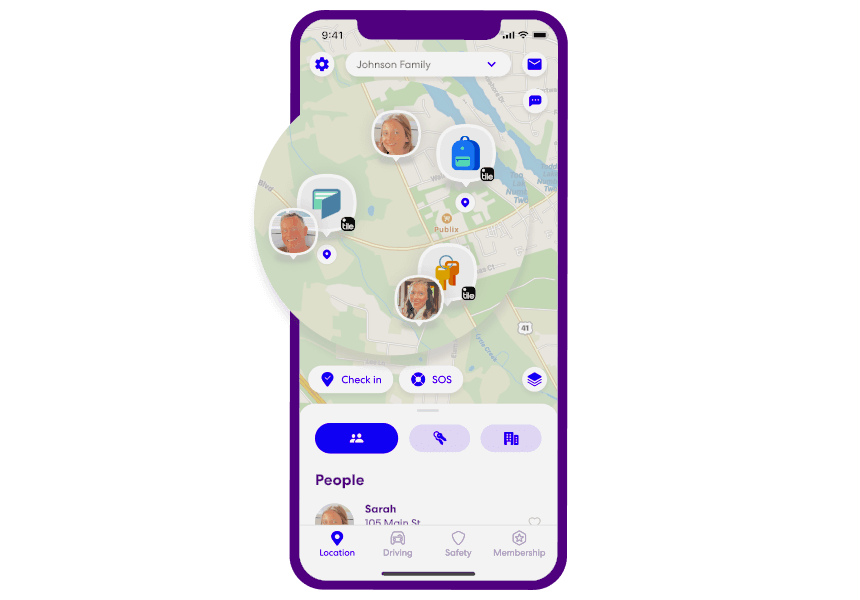
Life360 is one of the most popular family‑tracking apps worldwide. It offers advanced safety features, including driving analysis, crash detection, and emergency SOS alerts.
With a 4.6‑star rating on both major app stores, it’s a top choice for families who want comprehensive safety monitoring.
Key Features
- Real‑time location tracking
- Driving behavior reports (speeding, hard braking, etc.)
- Crash detection
- SOS emergency alerts
- Private messaging
- “Bubble” feature for temporary location privacy
- Cross‑platform support
Pricing
- Silver: $14.99/month
- Gold: $24.99/month
- Free version available
Privacy & Security
Life360 encrypts user data and states that it does not sell location information to third parties.
Pros
- Excellent driving‑safety tools
- Reliable real‑time tracking
- Emergency SOS alerts
- Strong family‑safety ecosystem
Cons
- More expensive than competitors
External Link:
Life360: https://www.life360.com
3. FindMyPhone – Family Locator
FindMyPhone is a simple, user‑friendly tracking app designed for families who want essential tracking features without complexity. It’s available on both iPhone and Android and includes SOS alerts and geofencing.
Key Features
- Real‑time location tracking
- Geofencing alerts
- 7‑day location history
- SOS emergency button
- Private family chat
Pricing
- Weekly: $4.99
- Monthly: $9.99
- Yearly: $49.99
- Free version available
Privacy & Security
The app may share some data with third‑party advertisers, though payment information remains private.
Pros
- Easy to use
- Affordable
- SOS alerts
- Good for elderly tracking
Cons
- Higher battery consumption
- Limited advanced features
4. Google Maps
Google Maps is not a dedicated tracking app, but its Location Sharing feature makes it a powerful, free option for occasional tracking.
It’s ideal for:
- Meeting up with friends
- Checking on family members
- Sharing your route during travel
- Locating a lost phone
Key Features
- Live location sharing
- Location history
- Navigation and directions
- Real‑time traffic updates
- Free and widely available
Pricing
- Free
Privacy & Security
Google Maps uses strong encryption and does not share location data with third parties without consent.
Pros
- Completely free
- Accurate GPS
- Easy to use
- Great for occasional tracking
Cons
- No geofencing
- No safety alerts
- Requires stable internet
External Link:
Google Maps Help: https://support.google.com/maps
5. Glympse
Glympse is a temporary location‑sharing app that allows users to share their real‑time location for a set period — without requiring the recipient to install the app.
It’s ideal for:
- Events
- Meetups
- Delivery coordination
- Temporary tracking
Key Features
- Share location via SMS, email, or social media
- Set time limits for sharing
- Background location updates
- Public tags for group tracking
- Favorite lists for quick sharing
Pricing
- Free version available
- Premium plans start at $9.99/month
Privacy & Security
Glympse encrypts user data and clearly outlines what information it collects.
Pros
- No app required for recipients
- Temporary sharing
- Great for events and teams
- Easy to use
Cons
- Occasional delays in location updates
- Not ideal for long‑term tracking
Comparison Table: Best Tracking Apps for iPhone & Android (2026)
| App | Best For | Real‑Time Tracking | Geofencing | Driving Safety | Price |
|---|---|---|---|---|---|
| PhoneParental | Family safety, child monitoring | Yes | Yes | No | $4.99–$9.99 |
| Life360 | Full family safety + driving | Yes | Yes | Yes | $14.99–$24.99 |
| FindMyPhone | Elderly & kids | Yes | Yes | No | $4.99–$49.99 |
| Google Maps | Occasional sharing | Yes | No | No | Free |
| Glympse | Temporary sharing | Yes | No | No | Free–$9.99 |
Privacy & Safety Considerations
Before using any tracking app, keep these points in mind:
1. Always obtain consent
Tracking someone without permission is illegal in many regions.
2. Review privacy policies
Some apps share data with advertisers.
3. Use tracking responsibly
Tracking should enhance safety, not invade privacy.
4. Protect your own data
Use strong passwords and enable two‑factor authentication.
5. For parents: choose child‑safe tools
Apps like PhoneParental are designed specifically for family safety.
Conclusion
Tracking apps have evolved into powerful tools for safety, coordination, and peace of mind. Whether you’re a parent, a traveler, or someone who wants to stay connected with loved ones, there’s an app that fits your needs.
Here’s a quick recap:
- PhoneParental → Best for families and child safety
- Life360 → Best for driving safety and emergency alerts
- FindMyPhone → Best for elderly and simple tracking
- Google Maps → Best free option for occasional sharing
- Glympse → Best for temporary, no‑install location sharing
Each app offers unique strengths, so your choice depends on your goals, budget, and privacy preferences.
FAQs on Best Tracking Apps for Android and iOS
1. Do tracking apps drain battery?
Yes — apps like Life360 and FindMyPhone may use more battery due to continuous GPS usage.
2. Are these apps cross‑platform?
Yes — all apps listed support both iPhone and Android.
3. Which app is best for monitoring driving habits?
Life360 offers the most advanced driving‑safety features.
4. Are there privacy concerns?
Always review privacy policies and obtain consent before tracking.
5. What data privacy measures do these apps use?
Most apps use encryption. PhoneParental and Life360 offer strong data‑protection policies.
6. Can I track a lost phone with these apps?
Yes — apps like Google Maps and FindMyPhone can help locate lost devices.
7. Which app is best for parents?
PhoneParental offers the most comprehensive family‑safety features.